A workout wheel is an activity selector, not a training plan
In this guide
Randomness can make a familiar routine feel less repetitive. It cannot decide which exercises, intensity, or workload are appropriate for you. Start with activities you already know you can do, then use the wheel for variety inside that plan.
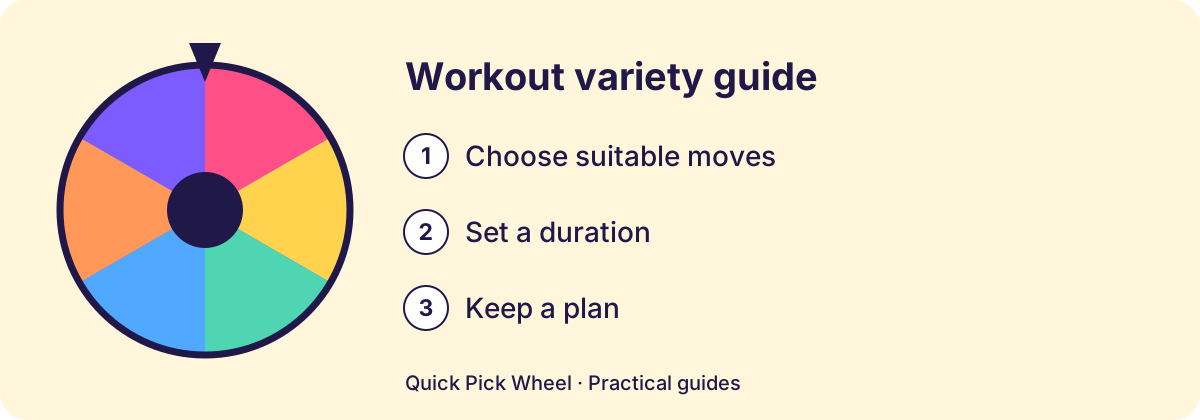
Choose one small question to randomize
“Which familiar activity do I feel like doing?” is a clearer question than “What should my entire workout be?” A wheel could choose between walking routes you already use, music for a session, or the order of suitable activities from an established routine.
If you follow a program or professional advice, keep its sequence, workload, and recovery rules. Do not let a random label replace those decisions. This guide offers ways to organize choices, not exercise prescriptions.
Keep different kinds of choices separate
| Wheel purpose | Suitable kind of entry | Do not mix in |
|---|---|---|
| Activity preference | A familiar activity you already do | An unfamiliar demanding exercise. |
| Location or route | Routes you have already checked | A route you cannot access today. |
| Session soundtrack | Music or audio choices you enjoy | Extra physical work as a punishment. |
| Easy alternative | Options already suitable for your routine | A harder task disguised as a wildcard. |
Make an availability checklist first
- Choose activities from your existing suitable options.
- Remove anything that needs unavailable equipment or conditions.
- Keep any planned duration, intensity, and recovery decisions outside the random draw.
- Enter concise labels that tell you exactly what the result means.
- Spin for variety, then use your usual judgment about the activity.
A result is not an obligation. Do not keep spinning to turn discomfort into a challenge or treat a pass as a failure.
Use a wheel for the low stakes parts
A motivation and setting wheel
These are examples of choices around an activity, rather than a list of exercises to perform.
- A familiar route in the opposite direction where appropriate
- A favorite playlist
- A new playlist you saved
- A familiar indoor option
- An activity with a friend if agreed
- Your usual session without an extra challenge
Keep a record when the routine needs one
A wheel does not track training history, recovery, or progress. Keep those records in the place you normally use. If you find yourself needing a more structured decision, leave the wheel out of that part of the plan.
Use Create a Wheel for a small list of suitable options. For nonexercise everyday tasks, the Chore Wheel and Fair chore rotation and workload worksheet use a similar idea with a different purpose.
A route-choice example that leaves the routine intact
Suppose you already have an appropriate walk planned and simply dislike choosing the same route. The wheel can settle that small question without changing the planned activity.
- List only familiar routes you have checked for today’s conditions and access.
- Remove any route that does not fit the duration, terrain, or other requirements of your existing plan.
- Use clear labels such as “the usual park loop” and “the familiar neighborhood loop,” rather than a wildcard that secretly adds distance.
- Spin for the route, keeping the rest of the plan outside the draw.
If conditions change or an option feels unsuitable, leave it out. The result does not oblige you to continue, increase effort, or turn a simple preference choice into a challenge. If your real question is how to design a routine, this wheel is not the tool for that decision.